The knowledge base that maintains itself
Someone changes a process in March. The page describing that process still says what it said in January. Nobody decided to let it drift. It drifted because updating the page was a separate job, and separate jobs get dropped.
That is the whole problem. A knowledge base does not go stale because your team is careless. It goes stale because maintenance sits outside the work. And when your AI reads that stale page, it does not hedge. It answers confidently, and it answers wrong.
Series: Knowledge That Keeps Up — Part 3 of 3. Write it down first · Make it a governance layer · Keep it current
Why every knowledge base decays
Every knowledge base decays for one reason. Maintaining it is a chore that sits outside the work and belongs to nobody.
Anything that depends on someone remembering to go back and update a document will rot. Not might. Will.
I have watched teams build a genuinely good knowledge base in six weeks and then watch it lose accuracy for the next six months, one small undocumented change at a time. Nobody noticed the day it stopped being true.
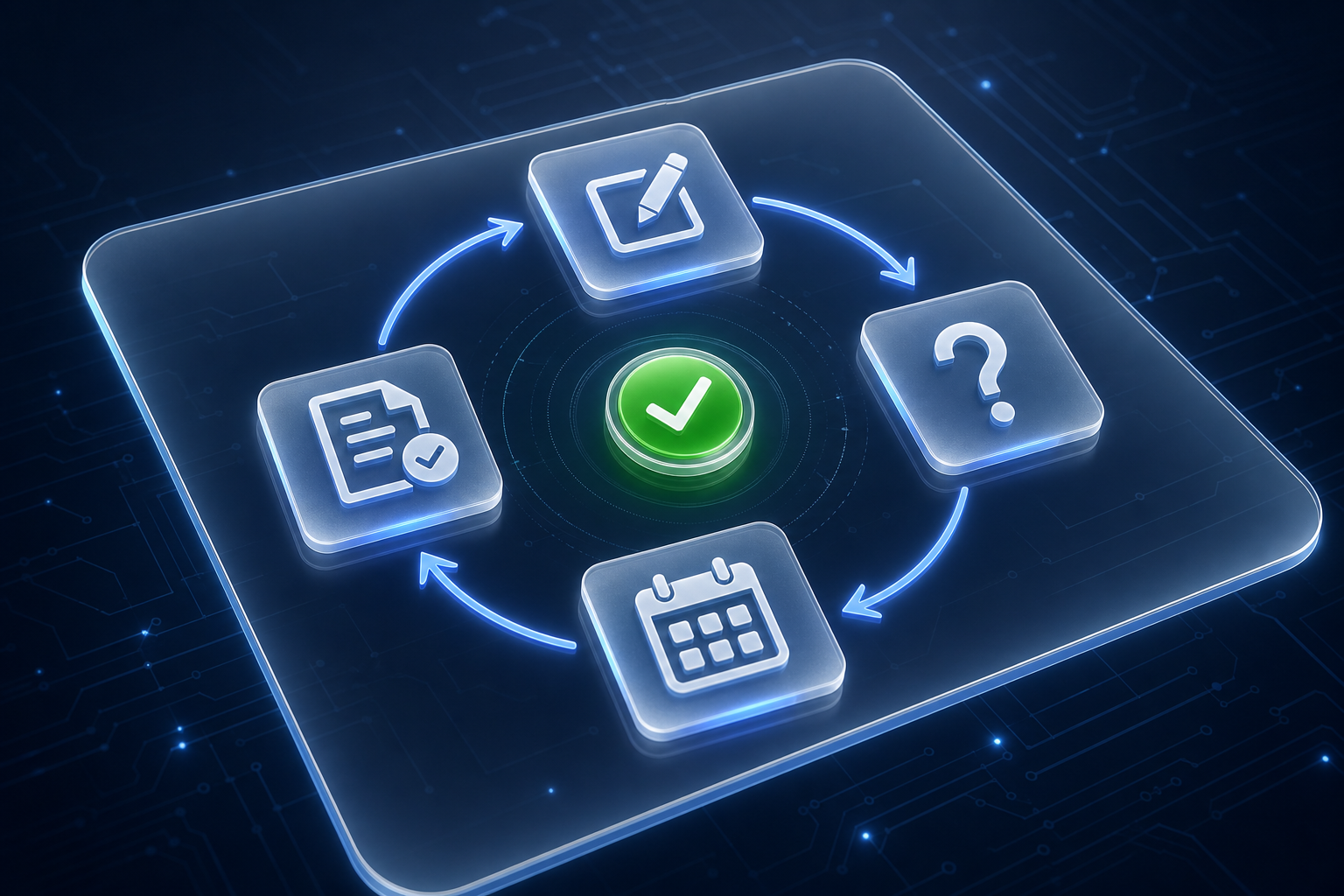
The fix is not more discipline. It is a closed loop, where doing the work is what updates the knowledge.
Capture the decision at the moment it is made
A decision is clearest the second it is made. An hour later it is a summary. A week later it is a reconstruction.
So capture it in the room. Two lines in the page, written before the meeting ends: what we decided, and why we ruled out the alternative. That is enough.
The why is the part that saves you later, and we covered capturing the reasoning behind a decision properly on its own.
Make updating the page part of finishing the task
If the update is a follow-up, it will not happen. If it is a step in finishing the task, it happens every time.
A 22-person accounting firm ran a month-end close from a written checklist. They reviewed that checklist twice a year. By audit season, roughly a third of the steps no longer matched what the team actually did.
The change was one line added to the checklist itself: update the step you changed before you mark the close complete. No new tool. No new meeting. Six months on, the document matched reality, because the people doing the work were the people editing it.
The update is not a follow-up. It is part of done.
Let the questions people ask show what is missing
Every question is a gap report. If someone had to ask, the answer was not findable.
Keep a running list of what people ask. Anything asked twice becomes a page. Anything asked five times becomes a page you rewrite properly.
You do not need to guess what is missing. Your team is telling you daily.
Review on a trigger, not a calendar reminder
Quarterly review reminders get snoozed. Triggers do not.
Tie the review to events that already happen: a price change, a new tool, a role change, a client complaint, an automation that failed. When one fires, the linked pages get checked. Same principle as shipping the smallest workflow you can finish this week, applied to maintenance instead of build.
A calendar reminder asks for discipline. A trigger asks for nothing.
A loop you keep running, not a project you finish
A knowledge base is not a project you finish. It is a loop you keep running.
That is the difference between a business whose AI stays useful in year two and one where it quietly drifts out of date while everyone still trusts it.
Keep exploring
This closes out Knowledge That Keeps Up, after getting things written down and turning those documents into a governed knowledge base. If you want to work out which triggers make sense for your business, contact FIT and we will map them with you.